If you’ve been shopping for a new graphics card (GPU — the dedicated chip inside your PC responsible for rendering images, video, and 3D graphics) lately, you’ve probably noticed that NVIDIA’s RTX 5070 and 5080 occupy completely different orbits. The RTX 5070 launched at around $599, while the RTX 5080 arrived at $999. Both cards belong to NVIDIA’s “Blackwell” architecture generation, meaning they share the same underlying design philosophy and key technologies — including DLSS 4 (a form of AI-assisted upscaling that makes games and creative apps run more smoothly) and hardware-accelerated ray tracing (a technique that simulates realistic light behavior in real-time). The question isn’t which card is better in a vacuum. The question is whether the RTX 5080’s $400 premium translates into $400 worth of actual, observable improvement in your workflow. That’s exactly what this article maps out.
| EDITOR'S PICK[ASUS The SFF-Ready Prime GeForc…](https://www.amazon.com/dp/B0DQSLHSP2?tag=greenflower20-20) | Mid-tier[ASUS SFF-Ready Prime NVIDIA GeF…](https://www.amazon.com/dp/B0DS6V1YSY?tag=greenflower20-20) | Budget pick[PNY NVIDIA GeForce RTX™ 5060 Ti…](https://www.amazon.com/dp/B0F4YRNHSJ?tag=greenflower20-20) | |
|---|---|---|---|
| VRAM | 16 GB GDDR7 | 12 GB GDDR7 | 8 GB GDDR7 |
| Boost Clock | — | — | 2692 MHz |
| Slot Size | 2.5-Slot | 2.5-Slot | 2-Slot |
| Cooling | Vapor Chamber | Axial-tech Fans | Dual Fan |
| Dual BIOS | ✓ | ✓ | — |
| Price | $1,369.99 | $641.99 | $349.99 |
| See on Amazon → | See on Amazon → | See on Amazon → |
What You’re Actually Paying For: Architecture and Spec Differences
Before making a $400 decision, it’s worth knowing precisely where NVIDIA spent the extra silicon budget on the 5080.
By the numbers:
| Spec | RTX 5070 | RTX 5080 |
|---|---|---|
| CUDA Cores (shader processors) | 6,144 | 10,752 |
| VRAM (video memory) | 12 GB GDDR7 | 16 GB GDDR7 |
| Memory Bandwidth | ~616 GB/s | ~960 GB/s |
| TDP (power draw) | 250W | 360W |
| MSRP at launch | ~$599 | ~$999 |
The core count gap — 10,752 vs 6,144 — is significant. That’s 75% more shader processors, which translates most directly into raw rendering throughput on parallelizable workloads. The VRAM gap (16 GB vs 12 GB) is arguably more consequential for professional workloads than the shader gap, and we’ll return to that.
According to Tom’s Hardware’s RTX 5080 review (Tom’s Hardware, “RTX 5080 Review: NVIDIA’s New Flagship Tested”), rasterization performance — traditional game rendering without ray tracing — places the 5080 roughly 35–45% ahead of the 5070 across GPU-limited scenarios at 4K resolution. That’s a meaningful gap, but it’s not double the performance for 67% more money. The math already starts suggesting where each card earns its keep.
Gaming Workloads: Where the 5070 Overdelivers
For pure gaming — even at 4K with high settings — the RTX 5070 is a strikingly capable card, and it’s worth being direct about that. Digital Trends, in their RTX 5070 review (“RTX 5070 Review: The Sweet Spot for PC Gamers?”), consistently describes the 5070 as “the sweet spot of the Blackwell generation” for gamers who aren’t targeting 4K/120Hz-and-above in the most demanding titles simultaneously.
Here’s the practical framing: with DLSS 4 Quality mode enabled, the RTX 5070 delivers frame rates at 4K that would have required substantially more expensive prior-generation hardware to hit natively. NVIDIA’s AI upscaling has matured to the point where the visual fidelity gap between native 4K and DLSS 4 Quality is functionally invisible on most displays. This changes the value calculation substantially.
The Budget-Conscious Gamer: RTX 5070 for 1440p and 4K/60Hz
For gamers running a 1440p display or a 4K panel capped at 60Hz, the RTX 5070 is the rational buy. With DLSS 4 enabled, it handles even graphically demanding titles at these resolutions without meaningful compromise. The RTX 5080’s ceiling is real, but a 1440p or 4K/60Hz setup simply won’t expose it — you’d be paying $400 for headroom you’ll never use.
TechRadar’s coverage of the RTX 5000 series (TechRadar, “NVIDIA RTX 5000 Series: Everything We Know”) confirms that the 5070 sustains high-refresh gameplay comfortably at 1440p across the current game library, including titles with moderate ray tracing enabled.
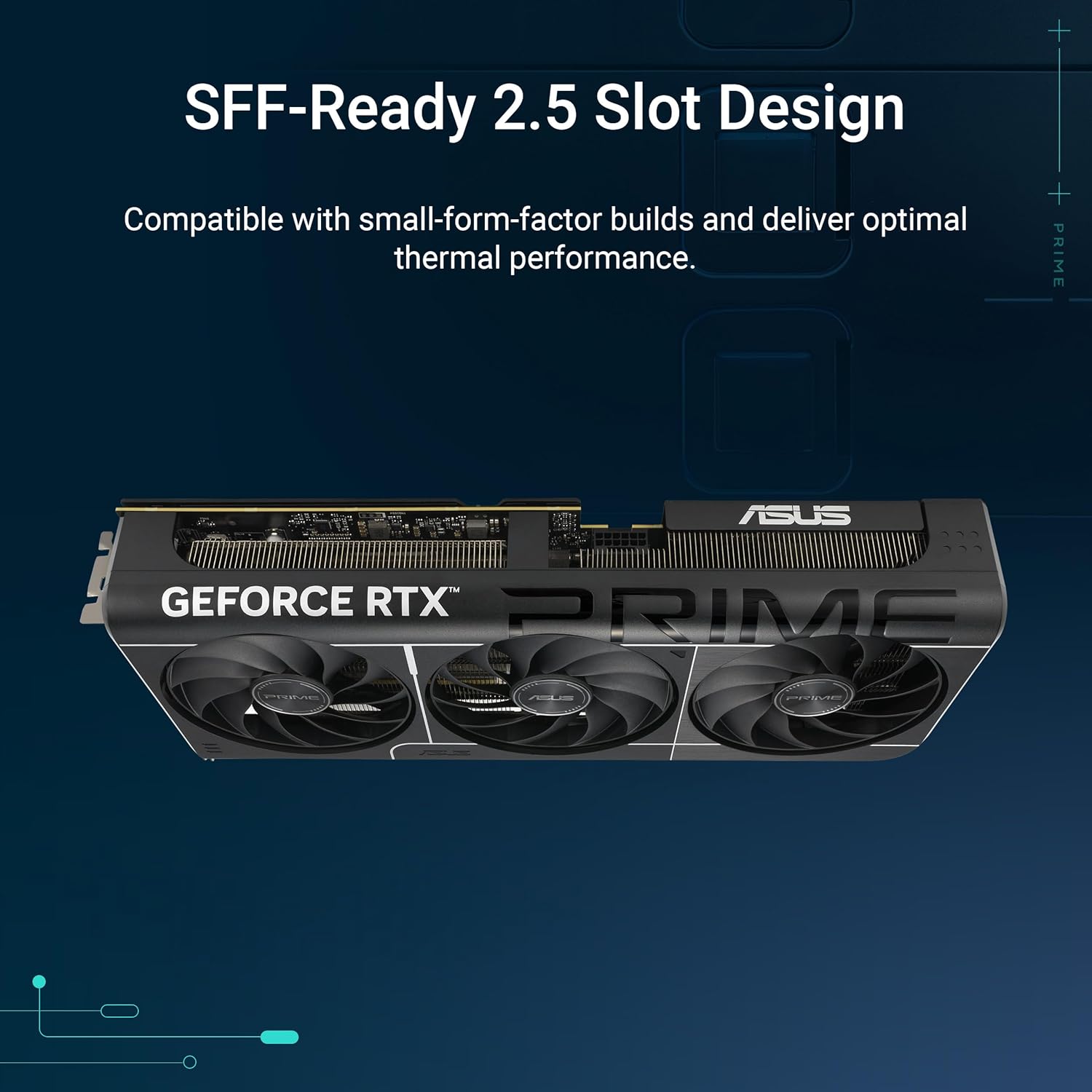
ASUS
$641.99
In stock on Amazon
Check price on AmazonThe Enthusiast Gamer: RTX 5080 for 4K High-Refresh Ray Tracing
When the target is native 4K rendering at high refresh rates — or 4K/144Hz and above with heavy ray tracing — the RTX 5080 earns its premium. Tom’s Hardware’s review notes a 40–50% ray tracing performance lead for the 5080 over the 5070 in fully path-traced titles, a gap that compounds when you remove upscaling from the equation.
If your game library skews heavily toward ray-traced or path-traced titles, and your display is 4K/120Hz or higher, the 5080’s higher RT core count and bandwidth advantage become visible in every session — not just in benchmarks.
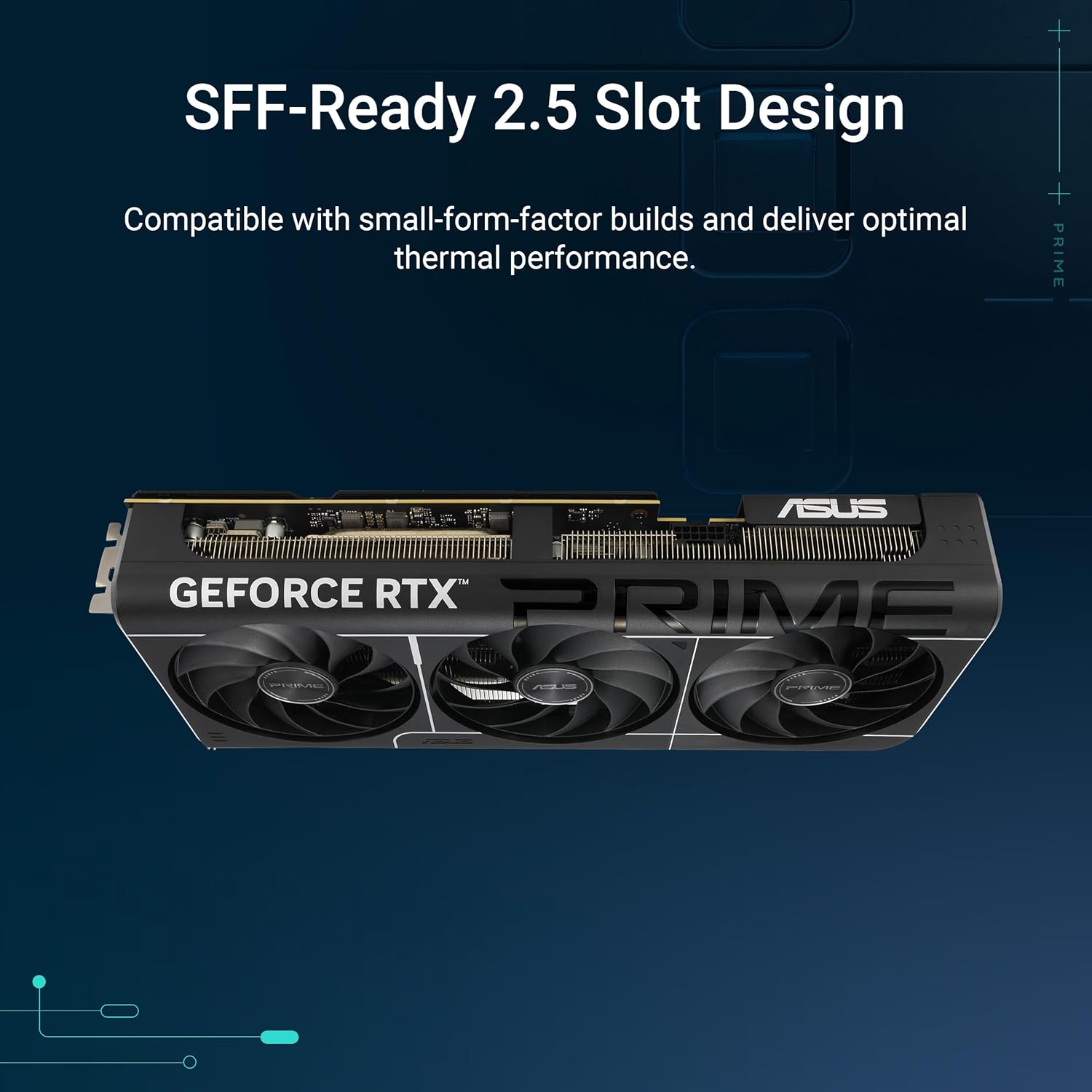
ASUS
$1,369.99
In stock on Amazon
Check price on AmazonThe Decision Rule for Gamers
For most gamers on a 1440p or 4K/60Hz display, the RTX 5070 not only meets the bar — it significantly exceeds it. The 5080’s advantages are real, but they only become visible and worthwhile in a specific combination: 4K/120Hz or higher display, plus a library heavy in ray-traced titles, plus a preference for native rendering over upscaling.
ASUS
$641.99
In stock on Amazon
Check price on AmazonCreative and Professional Workloads: Where VRAM Becomes the Deciding Factor
This is where the conversation shifts most meaningfully for the prosumer and professional reader. For video editors, 3D artists, and machine learning practitioners, raw shader throughput matters — but VRAM capacity is often the hard constraint that determines whether a task runs at all, not just how fast.
Video Editing: The 5070 Holds Its Own Until Raw Codecs Enter the Picture
Puget Systems’ GPU benchmark results for video production workloads (Puget Systems, “GPU Benchmark Results for Video Production Workloads”) consistently show that the RTX 5080’s advantage in 4K editing is moderate — roughly 20–30% faster in GPU-accelerated effects rendering compared to the 5070. For editors working primarily with 1080p or 4K H.264/H.265 delivery, the 5070 is entirely sufficient. Standard effects pipelines, color correction, and multicam 4K timelines all run without meaningful constraint at 12 GB of VRAM.
Where the picture changes is in 6K and 8K RAW or BRAW workflows. Heavy effects stacks, noise reduction at high resolution, and simultaneous fusion compositing layers can push 12 GB of VRAM toward its ceiling. Puget Systems’ benchmarks note that once VRAM pressure increases in these scenarios, the 5080’s 16 GB buffer translates into sustained performance that the 5070 cannot match. If you’re scaling toward higher-resolution raw workflows within the card’s expected four-to-five-year lifecycle, the 5080’s headroom is a genuine operational advantage.
ASUS
$1,369.99
In stock on Amazon
Check price on Amazon3D Rendering: Bandwidth and VRAM Compound
For 3D artists, the calculus tilts toward the 5080 more readily. GPU-accelerated rendering in tools like Blender’s Cycles engine or path tracing in Unreal Engine 5 is memory-bandwidth-hungry. Scenes with dense polygon counts, high-resolution texture maps (4K or 8K textures are common in product visualization and architectural rendering), and complex light rigs will use every available gigabyte of VRAM. Once a scene exceeds VRAM capacity, render engines begin offloading to system RAM — and performance collapses, often by 60–80% or more.
PC Mag’s 2026 GPU roundup (PC Mag, “Best Graphics Cards 2026”) notes that for Blender Cycles renders at professional scene complexity, the RTX 5080’s bandwidth advantage results in 35–40% shorter render times compared to the 5070 — and that’s before accounting for scenes that exceed 12 GB of VRAM, where the gap widens further. For 3D professionals billing by the project, render time is real money.
ASUS
$1,369.99
In stock on Amazon
Check price on AmazonMachine Learning: VRAM Is the Hard Ceiling
For ML practitioners running local inference, fine-tuning, or training on consumer hardware, VRAM is essentially the governing constraint. The RTX 5080’s 16 GB VRAM allows comfortable quantized inference of models in the 30B–70B parameter range (depending on quantization level) and meaningful fine-tuning of smaller models without offloading. The RTX 5070’s 12 GB is workable for 7B–13B inference and lighter fine-tuning jobs but will hit capacity ceilings with larger models.
If your ML workload is primarily inference on locally-hosted models at 7B or 13B scale, the 5070 is sufficient. If you’re doing active fine-tuning, running larger models, or anticipate model size growth over a 3–4 year hardware lifecycle, the 5080’s VRAM headroom is a meaningful operational asset rather than a marketing footnote.
ASUS
$1,369.99
In stock on Amazon
Check price on AmazonTotal Cost of Ownership and the Upgrade Calculus
Neither card exists in isolation from the rest of your build. The RTX 5080’s 360W TDP versus the 5070’s 250W has downstream cost implications worth acknowledging. That 110W of additional sustained draw at, say, 10 hours of daily creative workloads adds up to roughly 400 kWh per year. At average U.S. electricity rates of approximately $0.17/kWh, that’s around $68 per year in additional energy cost — non-trivial over a four-year ownership window, though it rarely changes the fundamental decision on its own.
More practically: the 5080’s TDP may require a PSU (power supply unit) upgrade for builds currently running a 750W unit. Tom’s Hardware’s RTX 5080 review (Tom’s Hardware, “RTX 5080 Review: NVIDIA’s New Flagship Tested”) and PC Mag’s GPU roundup (PC Mag, “Best Graphics Cards 2026”) both flag this as a real consideration for mid-range system owners upgrading from a 30-series card. A quality 850W or 1000W PSU adds $80–$150 to the total cost of the 5080 upgrade path.
The reinvestment frame: The $400 price difference between the two cards — $599 vs $999 at MSRP — is not abstract. For a freelance video editor billing at professional rates, that $400 could fund software subscriptions, additional RAM, or a quality NVMe SSD upgrade. If the 5070 handles 90% of your current production workload without bottleneck, the remaining performance gap doesn’t justify the reinvestment unless you’re actively constrained today or can clearly project hitting those VRAM ceilings within the card’s lifecycle.
Clear Decision Rules: If X, Then Y
Choose the RTX 5070 if:
- Your primary use case is gaming at 1440p or 4K/60Hz
- Your video editing work stays in 4K H.264/H.265 with standard effects pipelines
- Your ML use is inference-only on models under 20B parameters
- You’re building or upgrading a system with a 750W PSU and want to avoid a PSU swap
- The $400 savings will be reinvested into other parts of the build — more RAM, better storage, a quality monitor
ASUS
$641.99
In stock on Amazon
Check price on AmazonChoose the RTX 5080 if:
- You’re editing 6K or 8K RAW footage with heavy effects and color grading pipelines
- Your 3D scenes regularly involve dense, high-resolution texture loads that push toward or past 12 GB of VRAM
- You’re running or fine-tuning large language models locally and need VRAM headroom beyond 12 GB
- Your display is 4K/120Hz or higher and you primarily play ray-traced or path-traced titles
- You plan to hold this card for 4–5 years and want headroom to avoid hitting VRAM ceilings mid-lifecycle
ASUS
$1,369.99
In stock on Amazon
Check price on AmazonThe honest summary: the RTX 5080 is a genuinely superior card, and its advantages are real — not imaginary. But for the majority of prosumer workflows, the RTX 5070 is not a compromise choice. It’s a deliberate, well-reasoned one. The 5080 justifies its premium in three specific scenarios — VRAM-hungry 3D and video work, large-model ML, and high-refresh 4K gaming — and in those scenarios, the justification is clear. Outside them, the 5070’s performance-per-dollar calculus is difficult to argue with.
Spec sheets from NVIDIA, benchmark aggregation from Tom’s Hardware and Puget Systems, and GPU roundup analysis from PC Mag and Digital Trends all point to the same conclusion: know your ceiling before you buy toward it.