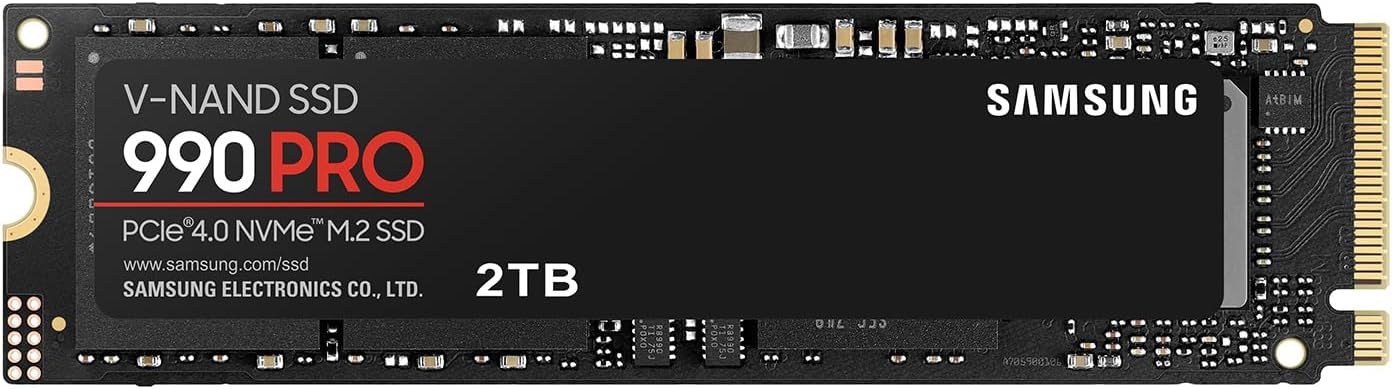
Your computer’s storage drive is not just a place to park files — it’s a pipeline. Every time you open a video project, load a game level, or boot your operating system, data has to travel from the drive to your processor as fast as possible. The format that governs how fast that pipeline flows is called NVMe (Non-Volatile Memory Express), and the lane that pipeline runs through is called a PCIe slot (Peripheral Component Interconnect Express). Right now, two generations of that lane are competing for your upgrade dollar: PCIe Gen 4, the mature, affordable standard that’s been mainstream since around 2020, and PCIe Gen 5, the newer, significantly faster — and more expensive — generation that arrived on consumer platforms in 2023 and hit its stride through 2025. This guide will help you figure out which one actually belongs in your build, because the answer is not always “the faster one.”
What the Specs Actually Mean in Plain English
Before comparing the two, it helps to understand what “PCIe generation” controls. Each successive PCIe generation roughly doubles the bandwidth available per lane. A PCIe Gen 4 x4 slot — the standard NVMe configuration, using four lanes — delivers a theoretical maximum of about 7,000 MB/s of sequential read bandwidth. A PCIe Gen 5 x4 slot doubles that ceiling to roughly 14,000 MB/s.
Those numbers are impressive on a spec sheet. But bandwidth is only one dimension of real-world storage performance. The other two — random read/write IOPS (how quickly a drive handles thousands of tiny, scattered file requests, like loading a game or running an operating system) and latency (the raw delay between requesting data and receiving it) — don’t scale as dramatically between generations. As AnandTech’s NVMe Protocol and PCIe Bandwidth Deep Dive documents, the NVMe queue architecture itself creates a practical ceiling on latency that PCIe bandwidth improvements cannot eliminate on their own.
By the Numbers
| Metric | PCIe Gen 4 (top tier) | PCIe Gen 5 (top tier) |
|---|---|---|
| Sequential Read (peak) | ~7,000 MB/s | ~13,000–14,000 MB/s |
| Sequential Write (peak) | ~6,500 MB/s | ~10,000–12,000 MB/s |
| Random Read (4K) | ~1,000,000–1,200,000 IOPS | ~1,400,000–2,000,000 IOPS |
| Typical street price (2 TB) | $90–$140 | $180–$280 |
Figures drawn from Tom’s Hardware PCIe Gen 5 SSD Roundup 2025 and PCMag Best NVMe SSDs May 2026. Prices reflect U.S. retail as of May 2026.
Where Each Generation Belongs: Three Buyer Profiles
The honest answer to “which generation should I buy” depends almost entirely on what you do with your machine. The following three profiles cover the realistic spread of buyers considering an NVMe upgrade.
H3: The Professional Creative or Data Practitioner
If your daily workflow involves moving or reading multi-gigabyte files continuously — DaVinci Resolve scrubbing through 8K RAW footage, Blender loading a dense scene file, or a PyTorch training loop streaming a large dataset — Gen 5’s bandwidth advantage is real and measurable. Puget Systems’ Storage Benchmark Analysis for Creative Workloads found that drives saturating PCIe Gen 4’s bandwidth ceiling showed statistically significant performance gaps versus Gen 5 drives in sustained read scenarios with large media files. If your project files routinely exceed 10–20 GB and you’re constantly opening, caching, or streaming them, the wider pipeline matters.
Gen 5 also earns its price here as an NVMe scratch disk for RAM-intensive workflows. When 64 GB of DDR5 isn’t quite enough for a complex After Effects composition, the drive becomes the pressure valve. Ars Technica’s Gen 5 SSD review covering the Seagate FireCuda 540 noted that the benefit of Gen 5 in these scenarios isn’t average-case performance but how gracefully a system handles peak demand spikes — degrading more slowly rather than hitting a hard wall.
Recommended tier: Gen 5, on a compatible platform. The Seagate FireCuda 540 is the drive reviewers at Tom’s Hardware and Ars Technica point to consistently in this tier for its balance of peak throughput and thermal management.
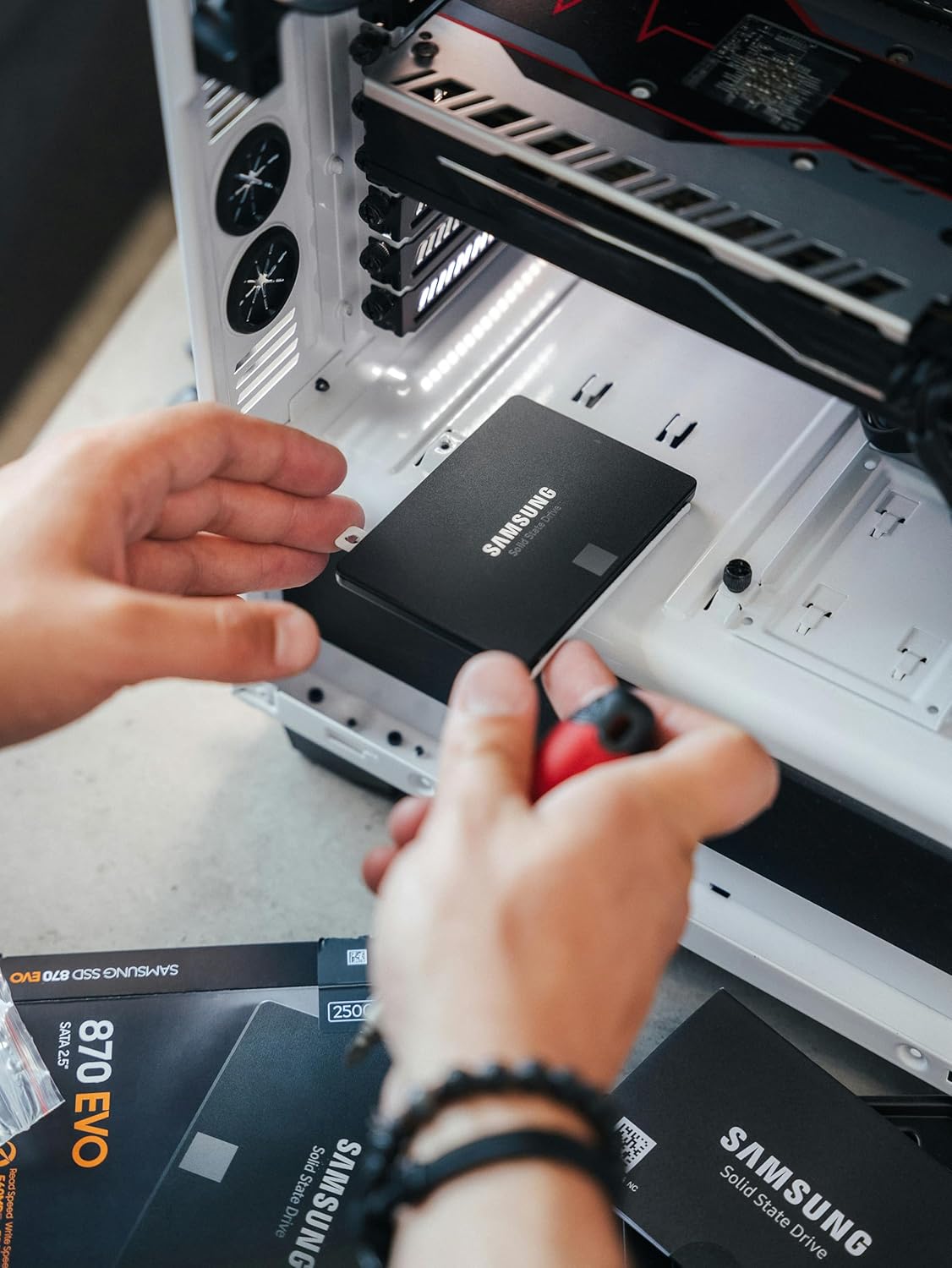
Samsung MZ-77E2T0B/AM
$499.99
In stock on Amazon
Check price on AmazonH3: The Enthusiast Gamer and Long-Horizon Builder
For conventional gaming — asset streaming, level loading, texture pop-in — the gap between Gen 4 and Gen 5 is narrow. Tom’s Hardware’s PCIe Gen 5 SSD Roundup found single-digit percentage differences in game load times between top Gen 4 and Gen 5 drives in titles not using DirectStorage, well within the margin of what a player would perceive.
The forward-looking argument for Gen 5 here is Microsoft’s DirectStorage API, which allows games to stream compressed assets directly from NVMe to the GPU without the CPU acting as a middleman. This architecture is designed to leverage exactly the bandwidth Gen 5 provides. As of mid-2026, only a handful of titles fully exploit it, but the pipeline is being built. A system intended to run for three-plus years is a reasonable candidate for Gen 5 as a hedge against that adoption curve — provided the budget allows it without sacrificing elsewhere.
If budget is a constraint, The Verge’s analysis “Do You Actually Need a PCIe 5.0 SSD?” concluded that for most users in 2025 the answer was still no, and the underlying logic applies through 2026: a flagship Gen 4 drive like the WD Black SN850X or Samsung 990 Pro delivers nearly indistinguishable gaming performance at meaningfully lower cost.
Recommended tier: Gen 4 for current value; Gen 5 only if budget is unconstrained and platform is compatible.
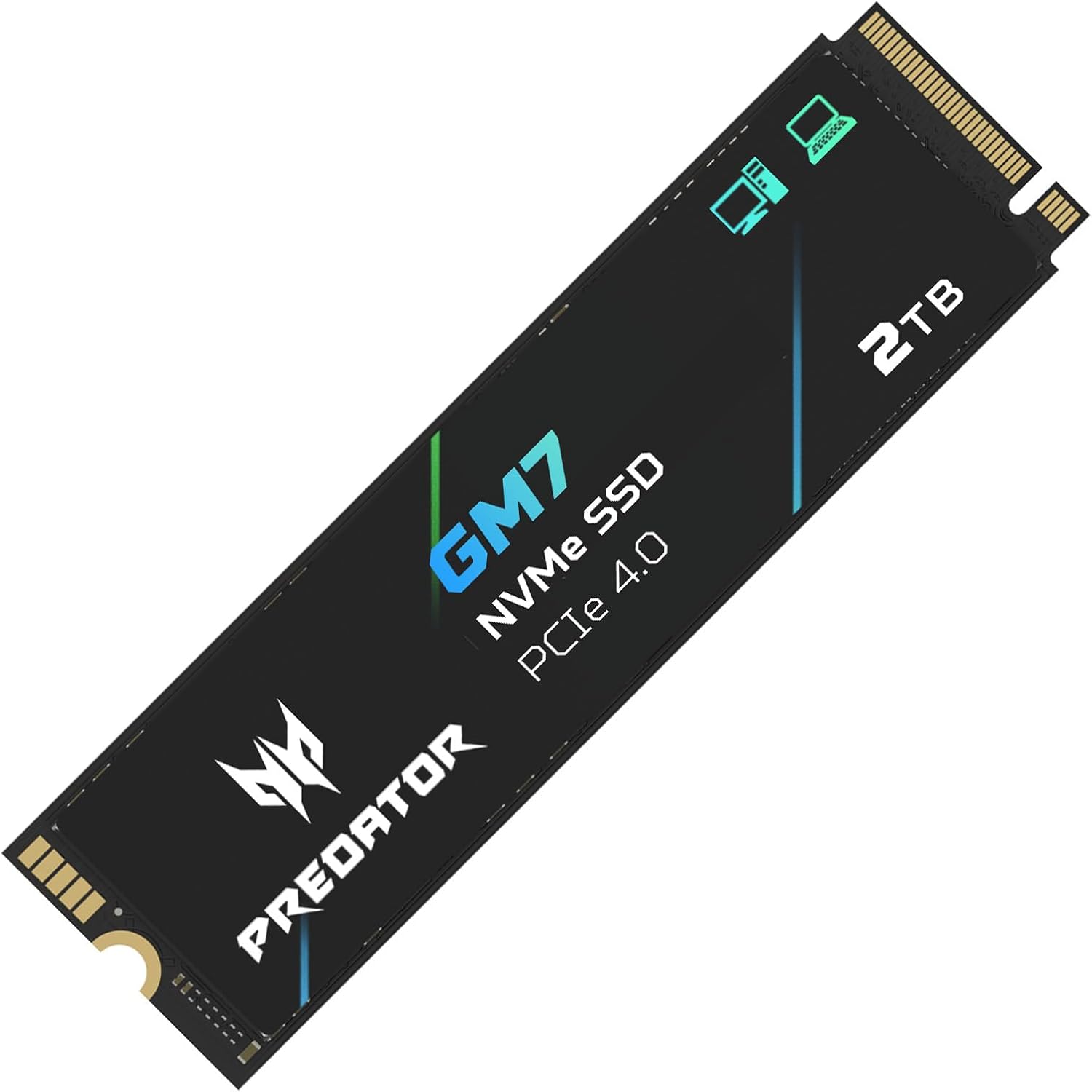
Acer
$245.99
In stock on Amazon
Check price on AmazonH3: The Everyday User and System Upgrader
For OS boot, application launching, productivity work, and light content creation, PCIe Gen 4 is genuinely not a bottleneck. Boot times and application launch speeds are governed by random read IOPS and latency — not sequential bandwidth. A top-tier Gen 4 drive already saturates what Windows and most applications can realistically consume in these tasks. Going from 5,000 MB/s sequential to 12,000 MB/s does not meaningfully change how fast Photoshop or a browser opens.
PCMag’s Best NVMe SSDs guide specifically flags the Gen 4-to-Gen 5 upgrade as a poor value proposition for users whose heaviest workload is a large Lightroom catalog, multi-tab browsing, or occasional video exports under 10 minutes. The money saved — roughly $80–$140 on a 2 TB comparison — is better allocated toward more RAM, a faster CPU, or a better display.
For this buyer, the WD Black SN850X, Samsung 990 Pro, and Seagate FireCuda 530 all represent the top of the Gen 4 category according to both PCMag and Tom’s Hardware’s ongoing SSD coverage. Any of the three will not feel slow in a correctly built system.
Recommended tier: Gen 4. Full stop.
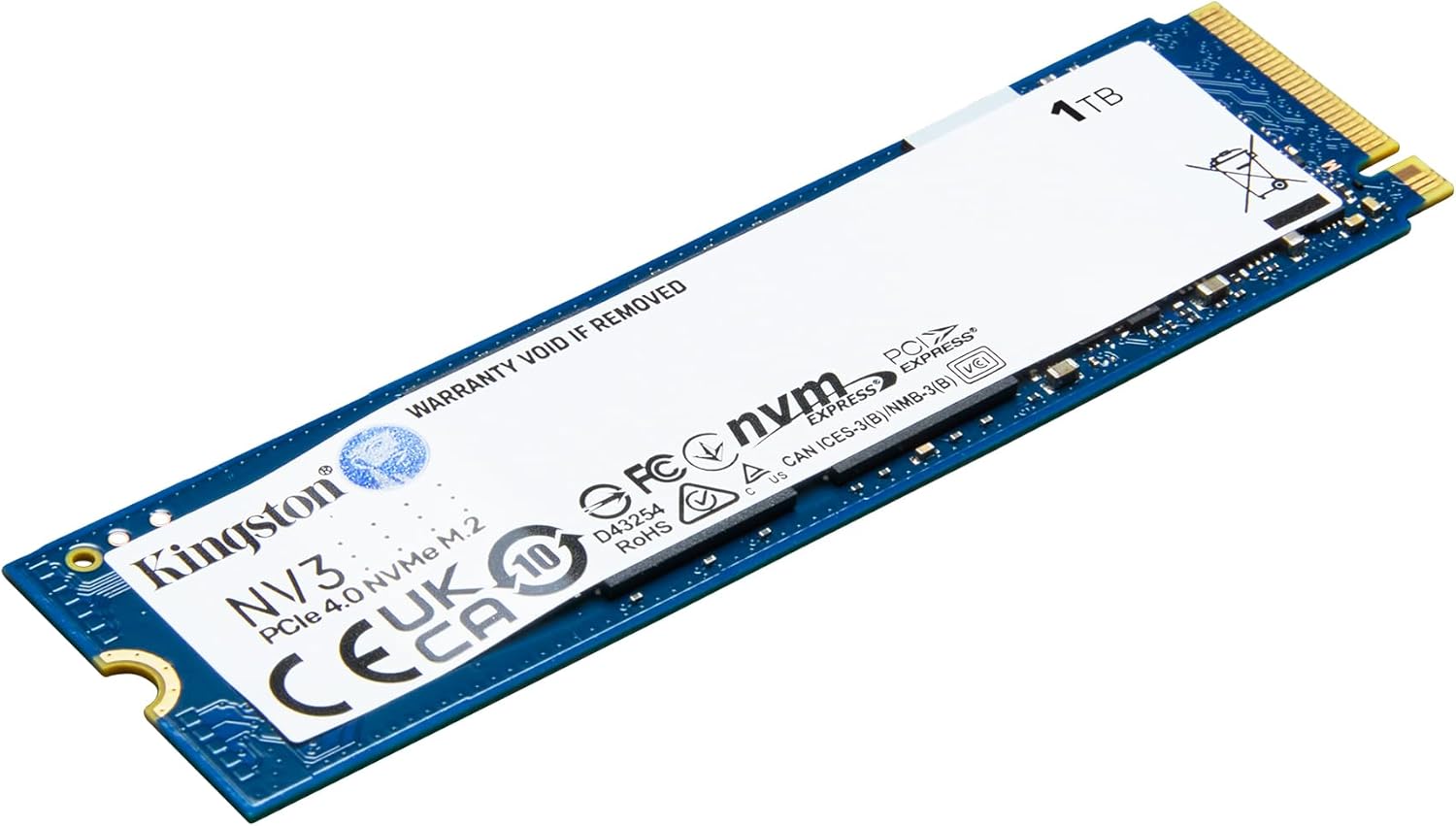
Kingston
$163.99
In stock on Amazon
Check price on AmazonThe Hidden Costs: Heat, Platform Requirements, and Price Curves
Gen 5 drives have real friction points that belong in any honest evaluation.
Thermal throttling under sustained load. Gen 5 controllers are power-hungry. Tom’s Hardware’s Gen 5 SSD Roundup noted that several top Gen 5 drives dropped meaningfully below their rated speeds in sustained transfer tests without active cooling. If you’re placing a drive in a compact ITX build with limited airflow, or into a laptop slot where Gen 5 is rarely supported, throttling behavior matters more than peak specs. Drives with included heatsinks address this but add bulk and cost. Verify that your case and motherboard layout can accommodate a heatsink before buying a Gen 5 drive that requires one.
Platform compatibility is not universal. PCIe Gen 5 M.2 slots require Intel 12th Gen (Alder Lake) or newer, or AMD Ryzen 7000 series or newer. If you’re upgrading an older platform — a Z490 board, a B550 system, or anything built around Intel 11th Gen or AMD Ryzen 5000 series — you do not have Gen 5 M.2 slots. A Gen 5 drive installed in a Gen 4 slot runs at Gen 4 speeds. PCMag’s buying guide specifically flags this as the most common upgrade mistake buyers make when chasing the latest generation. Check your motherboard’s specifications before budgeting for a premium drive.
The price-per-performance curve is still steep. As of May 2026, Gen 5 drives cost roughly 1.8–2x per terabyte compared to a comparable quality Gen 4 drive, for bandwidth benefits that directly apply in perhaps 20–30% of real-world use cases. That ratio has improved from the early Gen 5 days when premiums ran 3–4x, but the inflection point where Gen 5 becomes the obvious default for most buyers has not yet arrived. Digital Trends’ ongoing SSD coverage has consistently noted that price parity between generations typically arrives 18–24 months after a new generation launches at scale — which puts the Gen 5 value crossover somewhere in late 2026 to mid-2027 at current trajectory.
Making the Call: A Decision Framework
The buyer profiles above cover most situations, but a few edge cases are worth naming explicitly.
You’re on Intel 11th Gen or earlier, or AMD Ryzen 5000 series or earlier: Gen 5 is not a physical option in your M.2 slot. Buy the best Gen 4 drive your budget allows and move on. Spending time evaluating Gen 5 is a distraction.
You’re building in a small form factor case or upgrading a laptop: Prioritize a Gen 4 drive with a strong thermal record — the Samsung 990 Pro has been noted by both PCMag and Tom’s Hardware for its thermal stability — over a Gen 5 drive that may throttle under the airflow conditions you’ll actually be running it in.
You’re evaluating Gen 5 for a workstation you’re buying on a business budget: The Puget Systems benchmark data makes the strongest case for Gen 5 here. If the system will be processing large media or data files for hours daily, the bandwidth premium pays for itself in time savings. If it won’t, it doesn’t.
The Bottom Line
PCIe Gen 5 SSDs are genuinely impressive technology, and for the right workloads they deliver real, measurable improvements. But “fastest available” and “best value for your build” are different questions, and conflating them is expensive. The practitioner’s discipline here is matching the tool to the workflow: Gen 5 earns its premium in sustained, bandwidth-hungry professional tasks; Gen 4 remains the smarter, more thermally manageable, and more cost-efficient choice for everything else. Know your platform, know your file sizes, and buy to the bottleneck that actually exists in your system — not the one that looks impressive in a benchmark.