Your laptop is probably the most expensive object you carry out the door every morning. Whether it’s a $600 home-office workhorse or a $3,500 mobile workstation, the moment it leaves your desk it faces the same hazards: a bag that gets tossed onto a subway seat, a shoulder strap that lets it bang against a concrete pillar, or a sudden downpour between the parking garage and the office. Laptop protection — meaning sleeves, hard-shell cases, and full commuter bags designed to cushion and shield a computer during transit — is one of those purchases that feels optional right up until it isn’t. This guide maps the three main protection categories to real commute types, tells you what specs actually matter, and ends with a clear decision rule so you can stop second-guessing and buy the right thing for your machine.
| EDITOR'S PICKRAINS Laptop Portfolio 15"/16''… | Mid-tier[Lenovo Laptop Carrying Case T210](https://www.amazon.com/dp/B075Y73SDV?tag=greenflower20-20) | Budget pick[MOSISO Laptop Case 13.3 inch](https://www.amazon.com/dp/B07Q4QH8YZ?tag=greenflower20-20) | |
|---|---|---|---|
| Size | 15-16" | 15.6" | 13-13.3" |
| Waterproof | ✓ | — | — |
| Closure Type | Magnetic flap | — | — |
| Material | — | Water-repellent fabric | Polyester |
| Warranty | 2 Year | — | — |
| Price | $56.00 | $14.99 | $12.79 |
| See on Amazon → | See on Amazon → | See on Amazon → |
The Three Protection Tiers (And What Each One Actually Does)
Before matching products to commutes, it helps to understand what you’re choosing between. The market breaks into three distinct product types, and they’re not interchangeable.
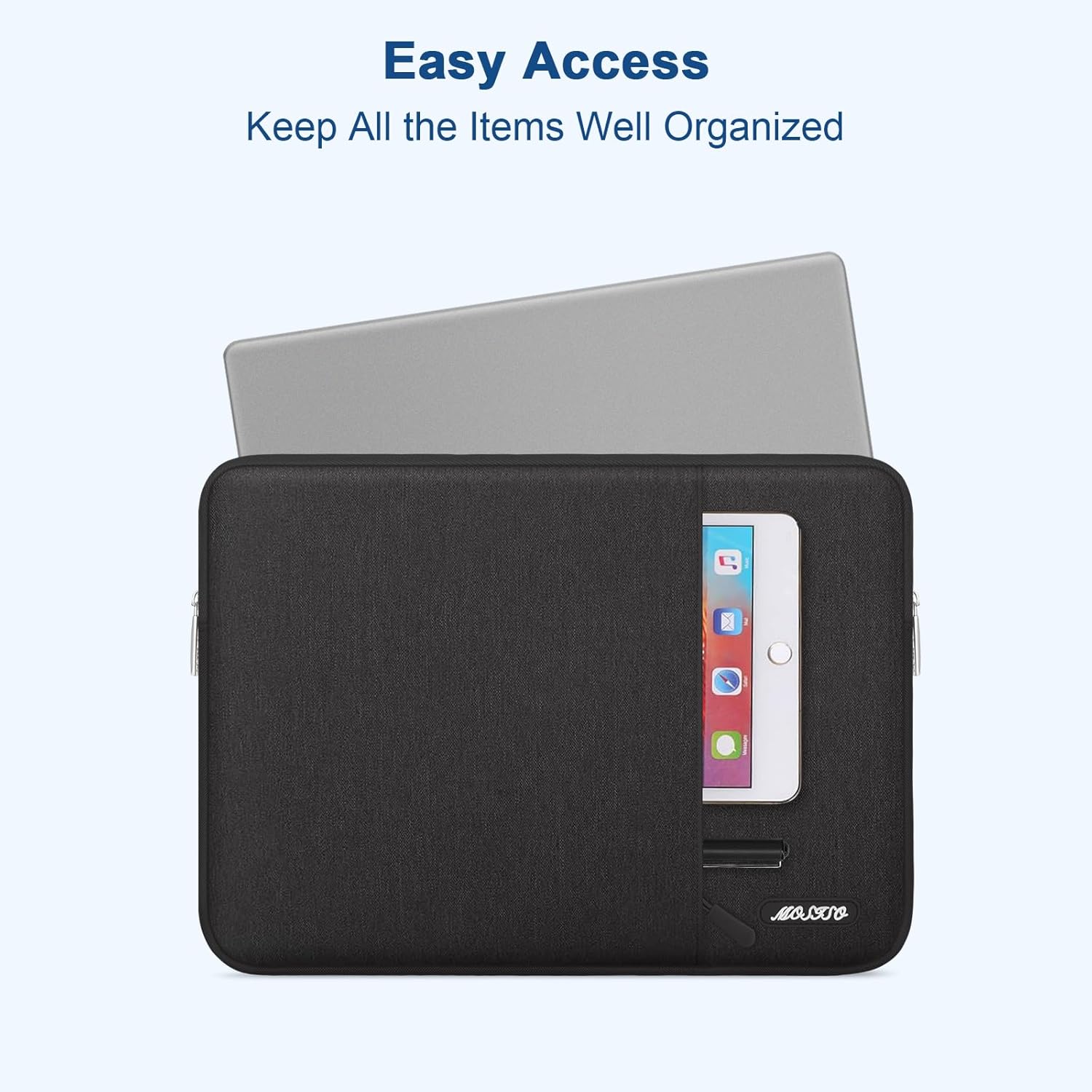
Sleeves are form-fitted fabric or neoprene envelopes — think of a padded pillowcase sized for a laptop. They add between 8 mm and 15 mm of padding on each side, protect against scratches, and offer minor cushioning for low-impact drops. Their value proposition is slim profile and easy tossing into a larger bag. They are not standalone commute solutions for anyone walking more than a block.
Hard-shell cases and folio cases are rigid or semi-rigid shells that lock around the laptop body — most commonly seen as clamshell designs for MacBooks, or as protective folios that double as laptop stands. These protect against corner impacts and incidental compression (say, a book pressed hard against the lid in a tight bag), and they’re rated by manufacturers for specific drop heights. They add bulk but almost no weight.
Commuter bags — backpacks, messenger bags, and totes purpose-built for laptop carry — integrate a padded laptop compartment as their primary feature. This is where you get the full package: shoulder load distribution, weather resistance, organizational pockets for chargers and accessories, and enough padding to survive a bag being dropped from desk height onto a hard floor.
Most intermediate buyers end up with a combination: a sleeve inside a commuter bag, or a hard shell inside a backpack. The question is which layer to prioritize.
Matching Protection to Your Actual Commute
Gear recommendations fall apart when they ignore context. A reviewer who works from home three days a week and walks four minutes to a co-working space the other two has very different needs than a video editor lugging a 16-inch mobile workstation through two subway transfers every day. Here’s how to map your situation.
The Walking/Transit Commuter (15+ Minutes on Foot or Rail)
If your commute involves sustained walking, crowds, and unpredictable weather, the single most important variable is drop protection — specifically, what happens when your bag tips off a platform bench or gets knocked off your shoulder. Wirecutter’s best laptop bags coverage consistently flags the importance of a padded bottom panel (often listed as “raised bottom” or “suspended laptop compartment”) as the difference-maker in this scenario, because most bag drops land on a corner or the bottom edge.
For this commuter profile, a dedicated laptop backpack with a suspended or padded laptop sleeve compartment is the baseline. Look for:
- Laptop compartment with at least 15 mm of foam or memory-foam padding on all four sides
- Weatherproof or DWR-coated (Durable Water Repellent — a fabric treatment that causes water to bead off) exterior fabric
- Padded back panel for comfort on long carries
- Luggage pass-through if you travel with a roller bag
Reviewers at PCMag and TechRadar consistently call out brands like Thule, Osprey, and Timbuk2 in this segment for durability over multi-year ownership. The Thule Subterra and Osprey Arcane series appear repeatedly in aggregated long-term reviews for holding up to daily transit abuse without seam failures or zipper breakdown.
Machine-size note: If you’re carrying a 16-inch machine — an Apple MacBook Pro 16, a Dell XPS 15, or an ASUS ProArt Studiobook — verify the laptop compartment dimension, not just the listed “fits up to 16-inch” badge. Manufacturers measure differently. The ProArt Studiobook 16, for example, has a wider-than-average chassis, and owners in forum aggregations report fit issues with bags that nominally claim 16-inch compatibility.
The Car Commuter Who Carries Into Meetings
If your laptop spends most of its commute in a car trunk or back seat and your real exposure is the walk from parking lot to office — plus the indignity of being slid across conference room tables — your priority shifts toward professional appearance and scratch protection more than structural drop defense.
This is the sleeve-plus-tote scenario. A well-padded neoprene or microfiber-lined sleeve (12–16 mm padding) inside a slim leather or canvas tote is the standard professional carry for this profile. The Verge’s coverage of laptop sleeves highlights the tomtoc Slim Laptop Sleeve and similar slim-profile options as strong performers for scratch and abrasion protection in low-impact environments, while reviewers note the trade-off: slim sleeves don’t protect well against the corner impacts that matter most in dropped-bag scenarios.
Hard-shell folio cases — particularly popular in the MacBook ecosystem from brands like Incase and Moshi — solve the corner-impact gap for car commuters. They add a few millimeters of total thickness but mean the laptop can be carried bare-hand into a meeting without the sleeve two-step.
The Multi-Bag Traveler (Laptop + Gear Every Day)
Creative professionals and engineers who commute with a camera, drawing tablet, external SSD, or full peripheral kit face a different problem: the laptop bag has to coexist with heavy objects that create internal compression damage. A 1-kg drawing tablet pressed flat against a laptop lid for a two-hour train ride stresses the hinges and, over time, can bow the display chassis on thinner machines.
For this profile, compartment isolation matters more than padding weight. Look for bags with a dedicated, separated laptop sleeve — not just a padded pocket but a compartment that is physically isolated from the main gear cavity. Osprey’s Arcane Large, for example, uses a floating laptop sleeve suspended away from the base. TechRadar’s 2025 backpack roundup cites this design as meaningful for protection in high-load carry scenarios.
Consider a semi-rigid hard-shell sleeve inside a large-format backpack for machines above $2,000. For a MacBook Pro 16 or a workstation laptop like the Lenovo ThinkPad P16, the math on replacing a cracked display panel — easily $400–$800 out of warranty — makes a $60–$100 rigid sleeve a straightforward capital protection call.
By the Numbers: What Protection Actually Costs Per Day
| Protection Type | Typical Price Range | Estimated Usable Lifespan | Daily Cost |
|---|---|---|---|
| Neoprene sleeve | $20–$50 | 2–3 years | $0.02–$0.07 |
| Hard-shell folio case | $50–$120 | 3–5 years | $0.03–$0.11 |
| Dedicated laptop backpack | $80–$300 | 4–7 years | $0.03–$0.21 |
| Sleeve + backpack combo | $120–$400 | 4–6 years | $0.05–$0.27 |
At the high end of the range, protecting a $3,500 laptop costs roughly $0.27 per commute day. The average out-of-warranty display panel repair on a premium laptop runs $400–$900 per NotebookCheck’s repair cost surveys. The math isn’t subtle.
Specs That Actually Matter (And the Ones That Don’t)
After reading enough product listings, it’s easy to get lost in marketing language. Here’s a quick triage.
Matters:
- Padding thickness at corners and bottom — corners take the impact in real drops; generic “padded compartment” language doesn’t tell you about corners
- Laptop compartment dimensions in millimeters — not the nominal “fits X-inch” claim
- Zipper quality — YKK zippers have a documented reliability reputation across manufacturer and owner reviews; off-brand zippers are the most common single failure point in aggregated long-term reviews
- Water resistance standard — IPX4 (splash resistant from any direction) is meaningful; “water resistant” with no rating is marketing
Doesn’t matter as much as advertised:
- Number of pockets — pocket count is a spec that photographs well but rarely matches workflow; most users use two or three pockets regularly
- “Military-grade” drop protection claims — this phrase references a general MIL-STD test standard that covers a wide range of conditions; per PCMag’s explainer on durability ratings, the claim alone tells you almost nothing about real-world drop survivability without knowing the specific test parameters
If X, Then Y: The Decision Rule
Here’s the decision framework, stated plainly:
If your commute involves 15+ minutes of walking or public transit, then prioritize a purpose-built laptop backpack with a suspended or corner-padded laptop compartment. Add a sleeve if your machine is worth more than $1,500.
If your commute is mostly car-based with short walks into professional environments, then a padded sleeve (16 mm+) or hard-shell folio case is your primary investment; drop it inside a tote or slim bag that matches your professional context.
If you carry heavy peripheral gear alongside your laptop daily, then the compartment isolation design of the bag matters more than total padding weight. A separated floating sleeve compartment is non-negotiable for machines above $2,000.
If your machine is a 16-inch workstation laptop over $2,500, then factor in a semi-rigid outer shell as a second layer regardless of commute type. The display replacement cost alone makes this a capital-protection decision, not a lifestyle choice.
If you’re budget-constrained, then spend on the bag before the sleeve: a well-designed backpack with a proper padded compartment does more protective work than a premium sleeve inside a poor bag. Wirecutter’s long-term laptop bag coverage supports this prioritization consistently.
The goal isn’t to accumulate protection layers — it’s to match one well-chosen system to the actual hazards your machine faces between your desk and your destination. Buy once, buy right, and stop worrying every time you put your laptop down.